01
Generate Your World
Type a seed phrase. Cartographer builds a unique continent with natural coastlines, mountains, rivers, and elevation.
Build territory maps, battle maps, scenario maps, and location maps — auto-stylized to match any genre or setting.
Fantasy kingdoms. Sci-fi colonies. Horror towns. Historical battlefields. Cartographer handles them all.
No credit card required. Free tier includes a free map generation.
Works with every system
Every shoreline and mountain ridge is born from mathematical precision. Voronoi territories and elevation noise intertwine to plot the foundation of your world — no two maps are ever the same.
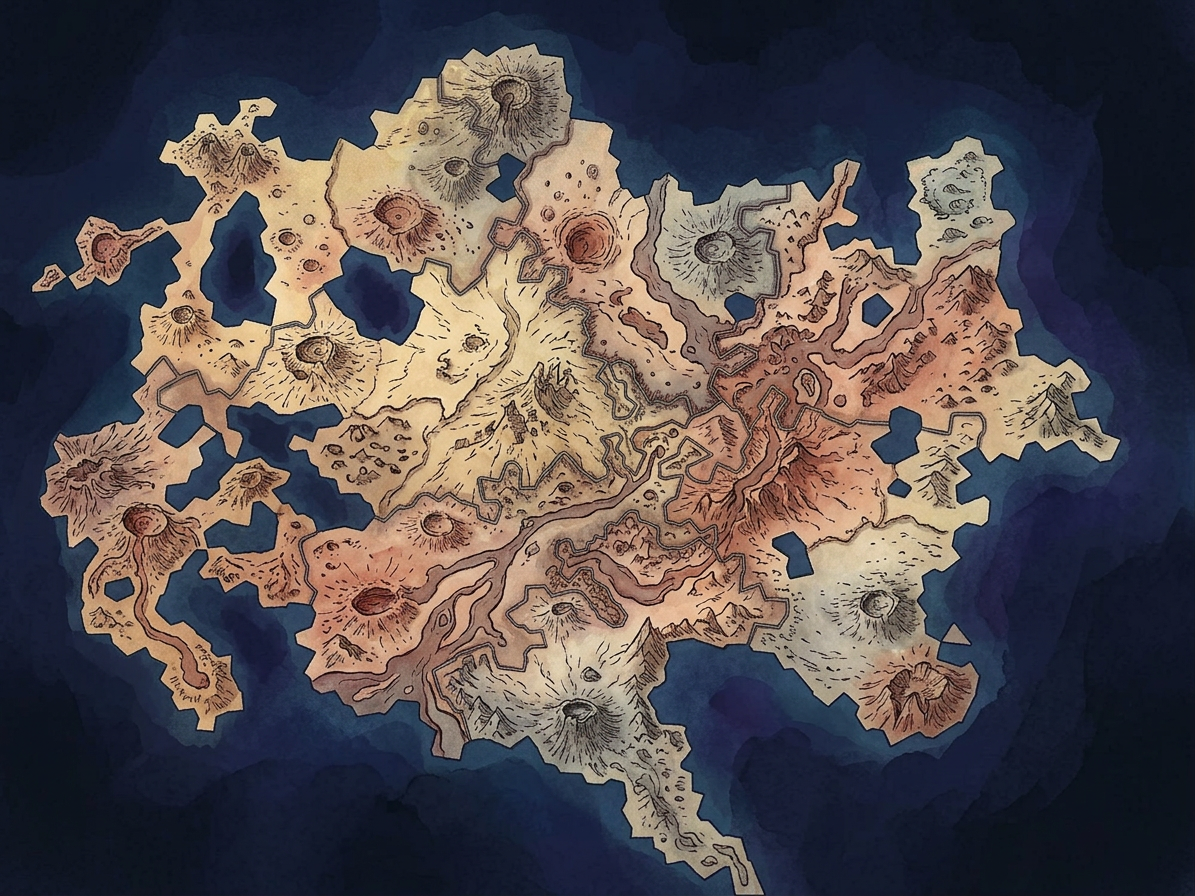
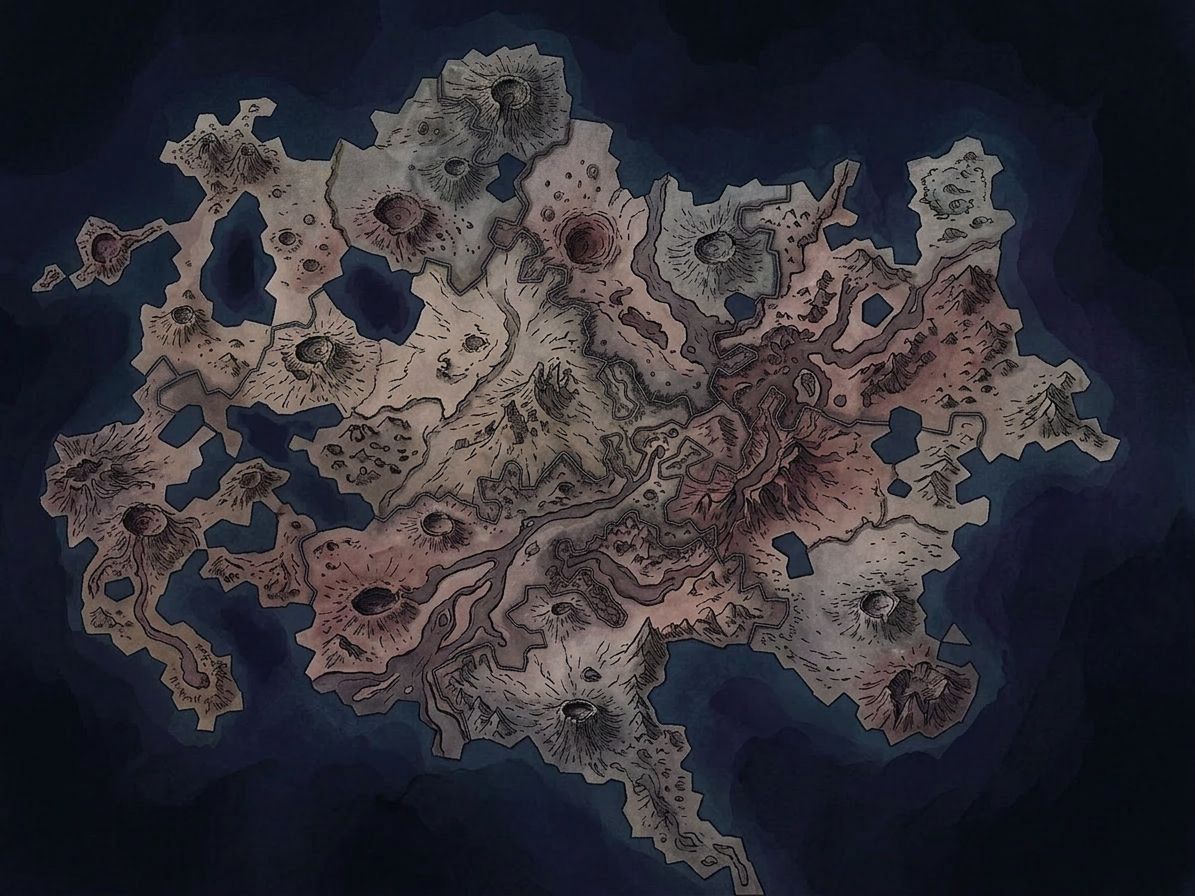
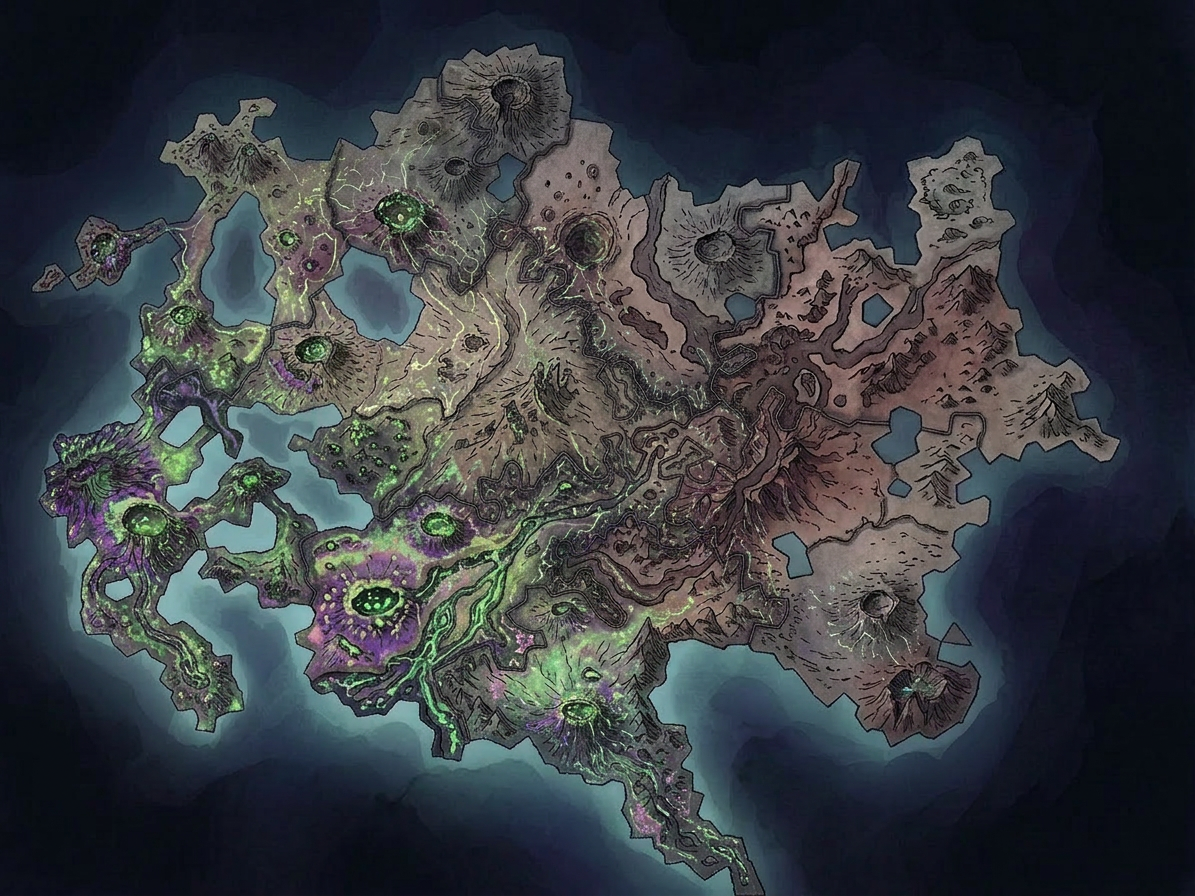
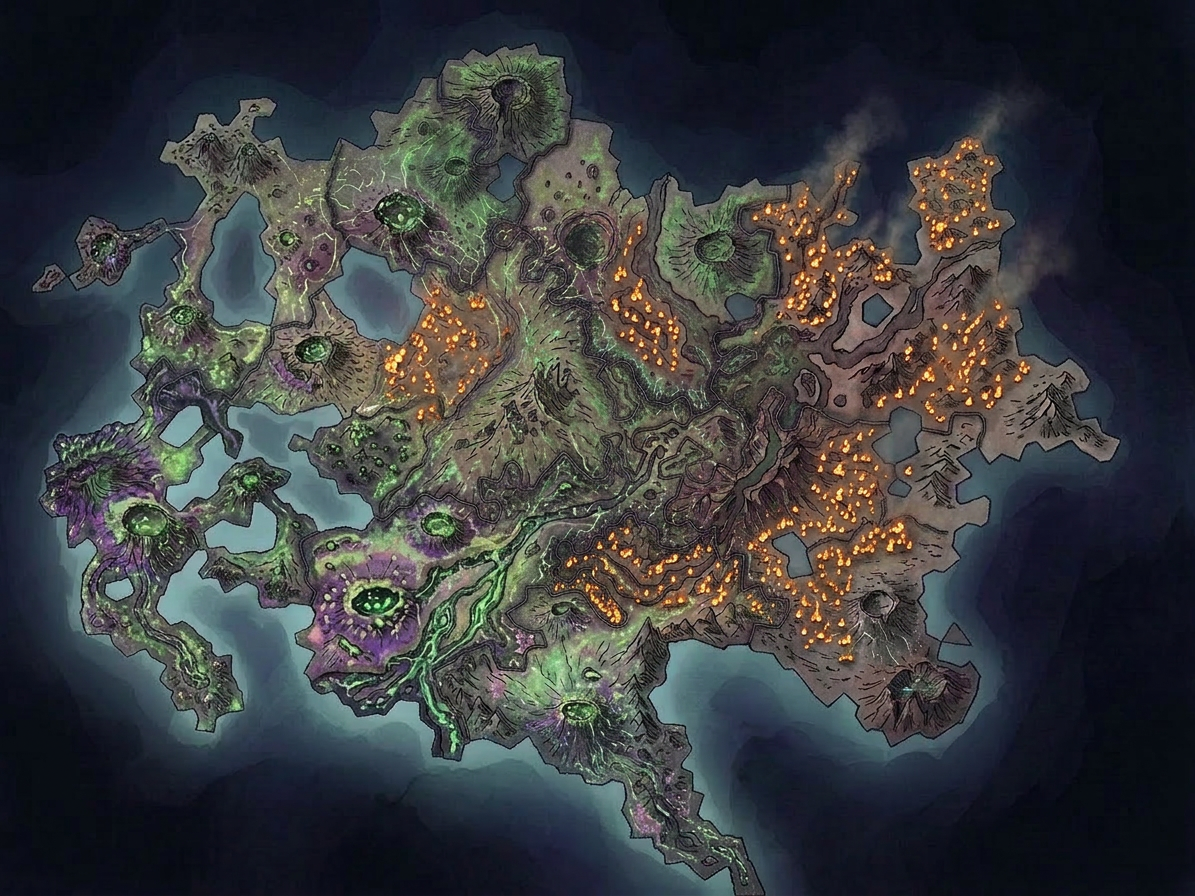
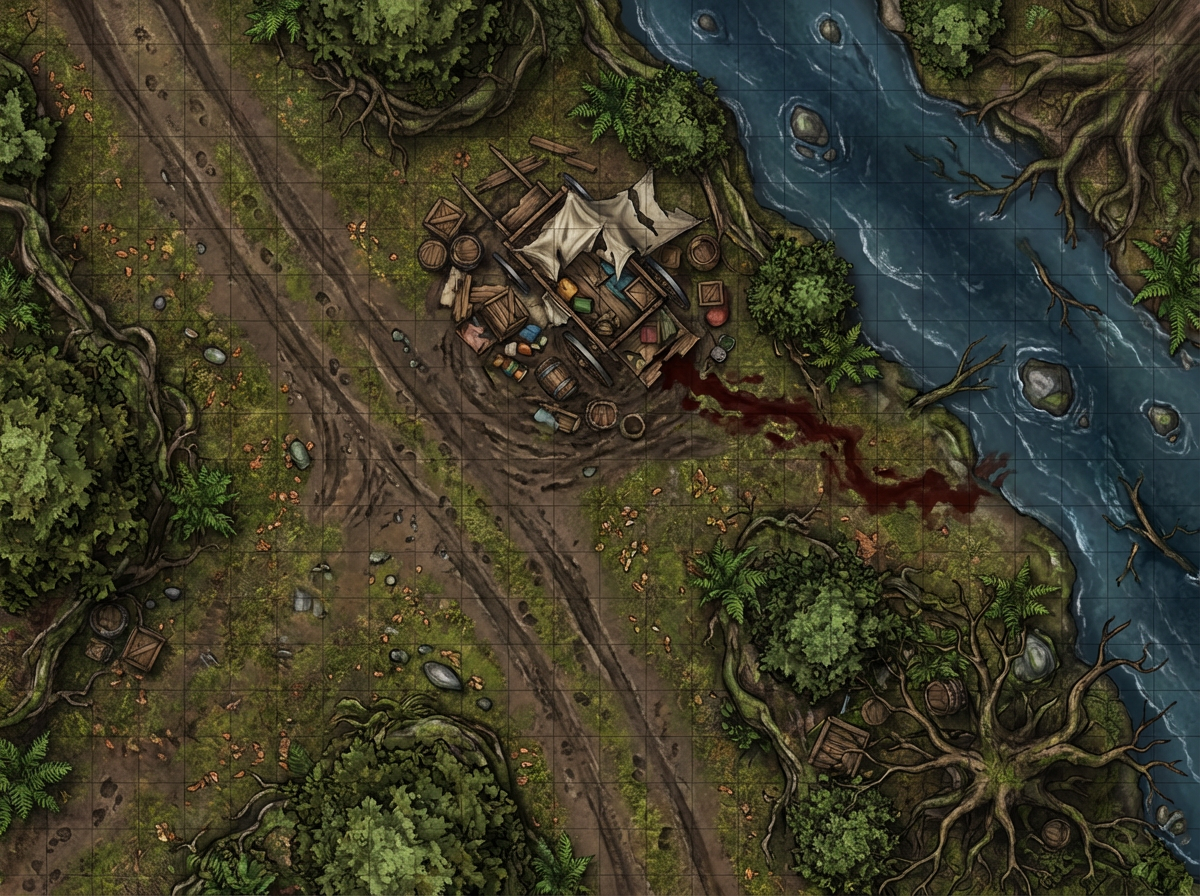
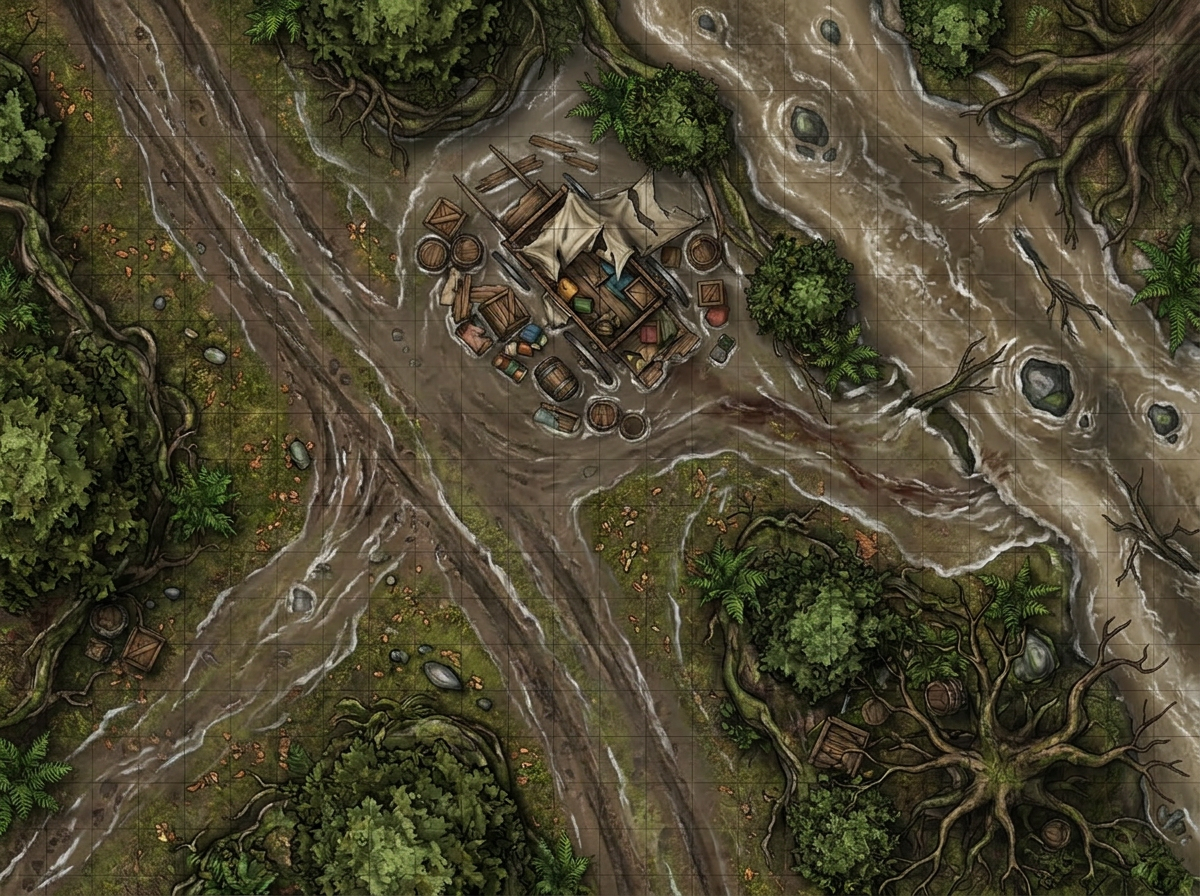
Describe the look you want and Cartographer applies it to your map automatically. Go from a working sketch to a fully illustrated piece ready for your table or VTT.
Type a seed phrase. Cartographer builds a unique continent with natural coastlines, mountains, rivers, and elevation.
Paint territory borders by hand. Assign factions, name regions, add cities and landmarks. Build location maps zone by zone.
Describe the art style you want in plain English. Cartographer applies it — aged parchment, watercolor, dark ink, anything.
Save snapshots of your map as your campaign evolves. Revisit and restyle any stage — watch your world change over time.
Kingdom overviews, dungeon layouts, forest trails, and ancient ruins for every classic TTRPG.
Planetary conquest maps, space station interiors, alien colony city.
Fog-shrouded town maps, asylum floor plans.
Campaign theater maps, battle scenarios, and siege layouts for historical TTRPGs and wargames.
Theater-of-war overviews, unit movement grids, and strategic maps for miniature wargaming.
Steampunk cities, post-apocalyptic wastelands, pirate seas — if you can describe it, Cartographer can map it.
Join game masters building their worlds with Cartographer. Start free — no credit card required.
Create Your First Map